

What Is SchoolTown?
SchoolTown is a Cloud Hosted or On-Premise Student Learning and Faculty Community Platform:
- Delivering any curriculum
- Engaging Blended learning
- Sharing & rating resources
- Leveraging experts
- Professional development
- Building community
- Connecting members
- Differentiating instruction
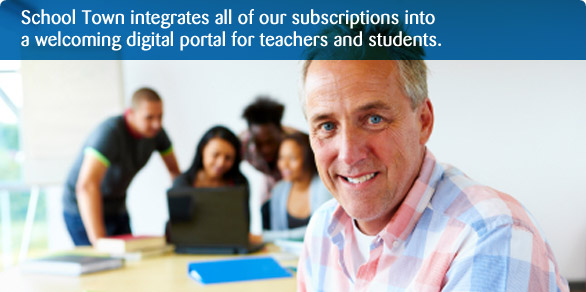

Engage Learners
Help learners reach potential by combining multimedia resources in a private social community. Seamlessly present collaborative assignments, discussions, events, chats, announcements, files and portfolio in an engaging social learning community.


Digital Repository
Imagine one place to share and browse all digital resources with filters, ratings, and sorting. Harvest, tag, and share files, links, videos, lecture captures, presentations, games, or pictures within your organization to reuse your best assets.
Sign up for our Newsletter:
Join our Weekly Webinar:

Impact & Efficiency
Instructors get more done with less effort. Improve efficiency, effectiveness and outcomes by leveraging your best resources. Make even formal learning participative, social and collaborative. Groups work together to learn in ways that are personal and social.


